
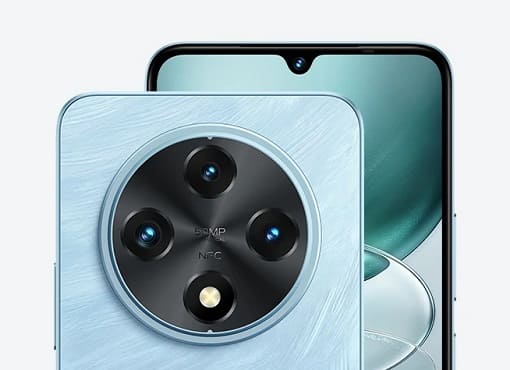
The UMIDIGI G100 firmware (Stock ROM) is useful to restoring your device to factory settings. If your device is experiencing boot loops, software issue, Factory Data Reset lock or performance issue, installing the stock firmware can fix it. This firmware is the official version provided by the manufacturer, ensuring stability and security of your device. please note that stock ROMs are device-specific and are not interchangeable between different devices.
Note
- backup all your data before processing
- follow the guide correctly, wrong attempt may brick your device
- flashing the wrong firmware may cause device malfunction or bootloop.
- make sure your device model matches UMIDIGI G100 before flashing the firmware.
Download Links
- V1.0_20250122
- SPD/unisoc tools: Download
- SPD Driver R4.20.0201: Download
- Contact Me for oplus tool login, unbrick, Factory Data Reset, reset, region change & root >>
Advantage of Stock Firmware:
- unbrick your UMIDIGI G100
- fix Factory Data Reset lock on your UMIDIGI G100
- restore pattern, password lock
- Factory Data Reset verification restore/ google Gmail account lock restore
How to Install Stock Firmware on UMIDIGI G100
- Download and install UMIDIGI G100 usb driver on your computer
- Download and extract UMIDIGI G100’s official firmware on your pc
- Run ‘SPD Flash Tool’
- Click load package & Select .Pac file from the downloaded rom folder
- Click Download/Start Arrow
- Connect your switched off UMIDIGI G100 by pressing volume up+ down button at same time using the original usb cable
- Wait until success
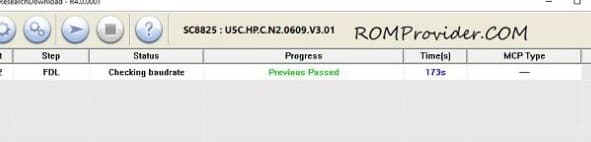
- once done, disconnect your UMIDIGI G100 & switch it ON
Related