
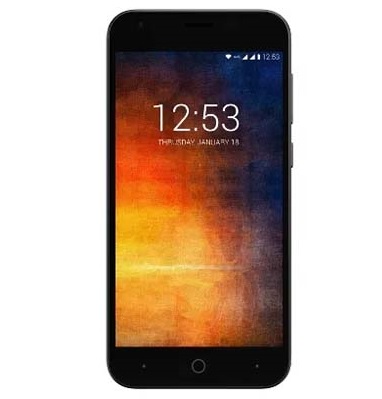
unlock bootloader Smartron t.phone P:
Step by Step Guide to unlock bootloader on Smartron t.phone P, if you own Smartron t.phone P smartphone then you can unlock it’s bootloader using the below instructions.
Smartron t.phone P Smartphone Run on android 7.1 Os Which is Powered by a QCOM SD 435 Processor. The Device Come with 3GB of RAM and 32GB of Storage. it has a 5.2 inch IPS Display Which is Powered by a 5000mAh battery.
Note-
- unlocking the bootloader will erase all Your Personal data including Internal Storage So we advice You to First take a Complete backup of your Phone.
- Follow the Steps Correctly otherwise You May brick Your device. We are Not Responsible for any damage to Your phone.
- Ensure that Your Device at-least 50% to Prevent accidentally Shut Down During the Rooting Process.
Must Require:
1. backup NVRAM
2. backup Your Personal data
3. Create a nandroid backup
Downloads:
- Mi Flash
- QD_Loader Driver
- unlocked bootloader File: https://forum.smartron.com/t/unlock-the-bootloader/4368/75
How to unlock bootloader on Smartron t.phone P:
- Install QCOM Driver on PC
- Download MI Flash and Unlock File From above
- Enable usb debugging and oem unlock from Developers options
- Connect Phone to PC With usb
- Now type below code
adb reboot edl
- Run Mi Flash and Load the Extracted unlock file Folder
- Click Start
- Done.
- reboot Phone to fastboot mod and then type below code
fastboot oem unlock-go
- look on Phone Screen. You can See a unlock Warning Now Press Volume up button to Confirm unlocking. Done.