

The Oppo A5 Pro CPH2711 firmware (Stock ROM) is useful to restoring your device to factory settings. If your device is experiencing bootloop, software issue, stuck at logo, Factory Data Reset lock or performance issue, installing the stock firmware can fix it.
This firmware is the official version provided by the device manufacturer. follow below instructions to process..
Note
- backup all your data before processing
- follow the guide correctly, wrong attempt may brick your device
- flashing the wrong firmware may cause device malfunction or bootloop.
- make sure your device model matches Oppo A5 Pro CPH2711 before flashing the firmware.
Download Links
- CPH2711export_11_15.0.0.406EX01_2025011902440255
- Oplus driver: Download
- Oplus Download tool: Download
- Contact Me for oplus tool login, unbrick, Factory Data Reset, reset, region change & root
How to Install Stock Firmware on Oppo A5 Pro CPH2711
- Download the firmware file from the link above.
- Extract the firmware file on your PC.
- Install oplus usb driver on your pc
- Download & extract oplus download tool
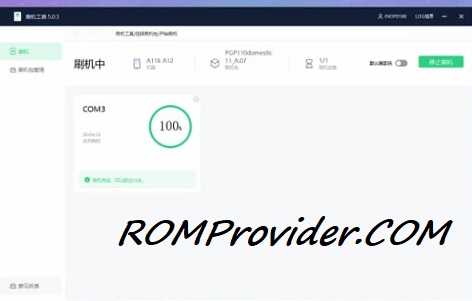
- Run oplus download tool
- Login with oplus service center id
- Click import, browse and select the firmware folder
- Click ‘START’ button
- Hold volume up + down button at same time and plug your device to your pc using the original usb cable
- Wait until success.
How to Install OTA Firmware on Oppo A5 Pro CPH2711
you can sideload via stock recovery or local update
adb sideload 'filename'