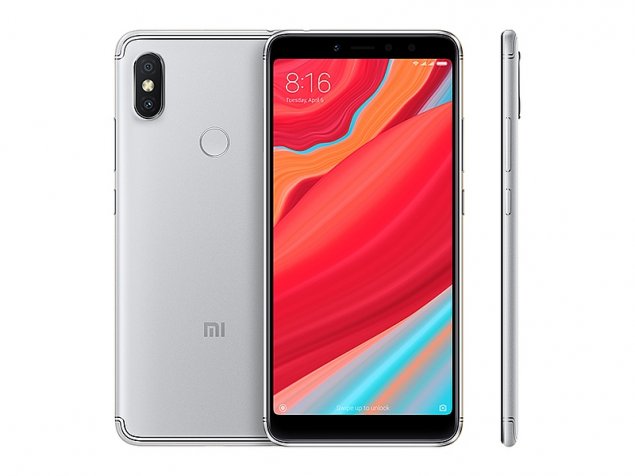
Unlock bootloader Redmi Y2:
Official MIUI Moderator Confirm that MIUI 10 will be unlockable Without official Permission and You can unlock it by Following the Below Steps:
Requirements:
- apply for unlock Here
- MI unlock tool
- Driver
How to unlock bootloader Redmi Y2:
1. Download Mi Unlock tool to your PC & Extract it
2. Go to Setting > My Device > All Specs> Tap On MIUI Version 7 times > Additional Setting > Developer Option > Enable USB Debugging > Enable OEM Unlocking
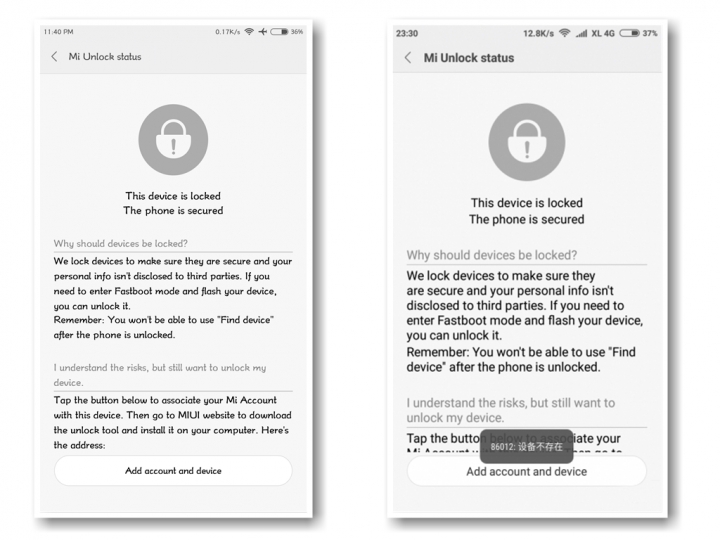
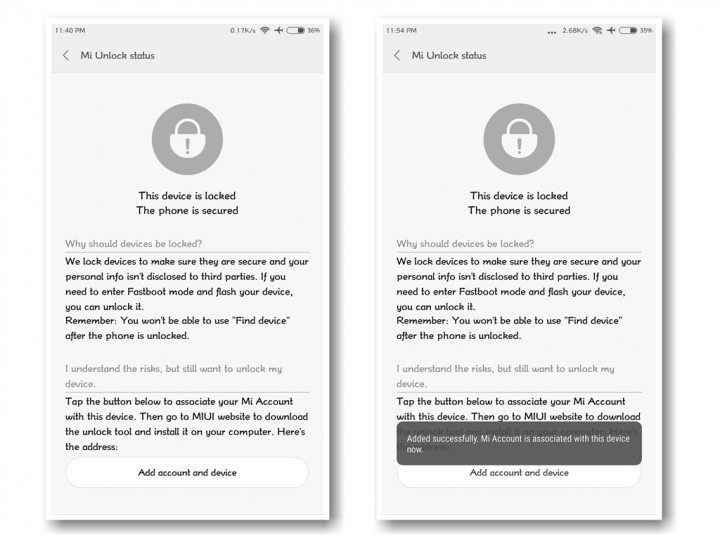
3. Now from Developer option > Mi Unlock status > Add account and device. Try to bind your account. Incase you see error like 86012 etc then better to wait for a week then try (Note- Trying again and again might block your account temporarily)
4. After that Reboot Your device into fastboot method, For that simply turn off your device, press the Power button and Volume down ( – ) button at the same time. Then connect the device to the Windows PC/laptop via a micro USB cable
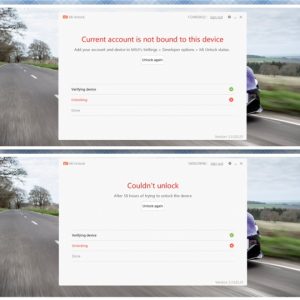
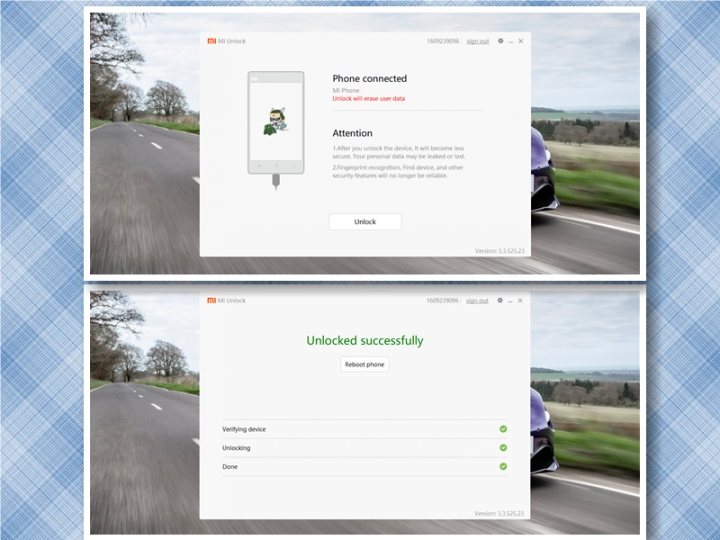
6. Run unlock tool login with Same account and unlock. In case you get error like “current account is not bound” then Developer option > Mi Unlock status > Add account and device. Try to bind your account. From now on, you’ll get Couldn’t unlock try after XX hrs, then you’ve to wait that period of time.
7. after XX period of time try to unlock, hope you’ll get success