
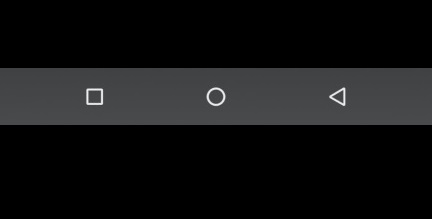
How to Enable Navigation bar on ALL GSI ROM

Enable Navigation bar on GSI:

Step by  Step Guide to Enable Navigation bar on GSI ROM, this Method Work’s on Most of GSI ROM & tested on Xiaomi MI A3. You can do it by Following the below Instructions.

Steps to Enable Enable Navigation bar on GSI ROM:

  • Download & Setup Platform tools
  • Download & Install adb driver / usb driver
  • Now on Phone enable usb debugging from developers Options
  • Connect Phone to PC by using the Usb cable
  • Now Open CMD Where Platfom tools are Installer and Send below code
setprop persist.sys.phh.mainkeys 0
adb reboot

Disclaimer: ROMProvider.com is an independent informational directory and index. We strictly provide direct URLs to official, publicly available external sources. This website does not host, store, mirror, or upload any firmware, ROMs, or software files on its own servers. All brand names, logos, trademarks, and official product links are the exclusive property of their respective owners (OEMs). Use of these names does not imply any affiliation, sponsorship, or endorsement by the manufacturers. Users download external files and modify devices entirely at their own risk.