
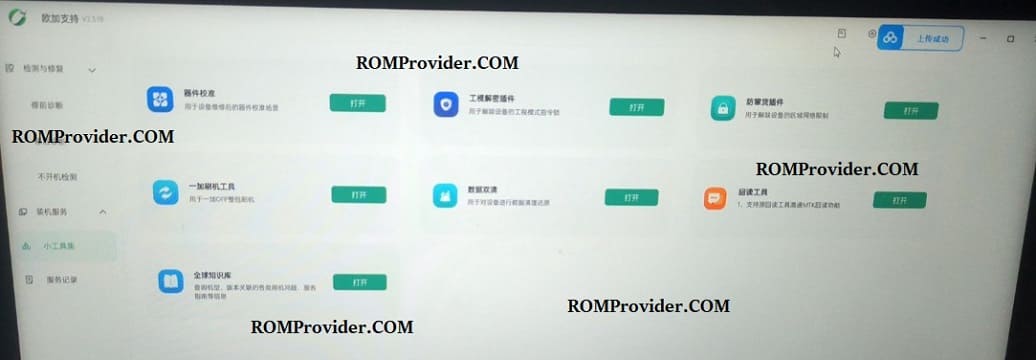
The O+ Support Tool (OPlus Support Tool) is an official service utility used by technicians to repair, unbrick, and flash stock firmware on OPlus devices (OnePlus, Oppo, and Realme). Whether your phone is stuck in a bootloop, hard-bricked, or you need to enable Diagnostic Mode or unlock the bootloader, this authorized utility is built to handle it.
📥 Direct Download Section
Download the authentic setup utility sourced directly from the below links
-
File Name: OPlusSupportSetupV2.3.18.exe
-
File Version: v5.4.8.0 (Latest Build)
-
Source: Oppo Official CN
-
Compatible OS: Windows 10, 11 (64-bit)
How to Install the O+ Support Tool
Follow these quick steps to get the software properly set up on your Windows computer:
-
Download the OPlusSupportSetupV2.3.18.exe installer from our download link above.
-
Right-click the installer file and select Run as Administrator.
-
Follow the on-screen configuration prompts to complete the setup wizard.
-
Once installed, launch the program using the shortcut icon generated on your desktop.