
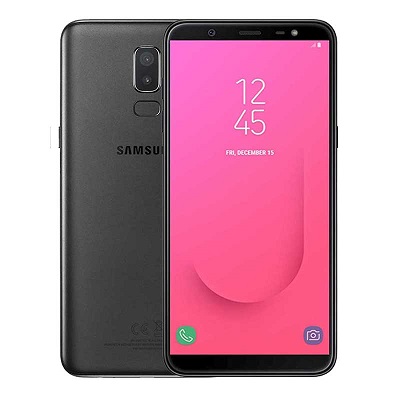
Google Camera 6.1.021 mod For Samsung Galaxy J8 SM-J810G:
Download & Install Google Camera 6.1.021 Mod on Samsung Galaxy J8, Here we Share Working Gcam mod for Samsung Galaxy J8 With HDR Plus, Night Sight and Motion Photos, by using the GCam You can Shoot Superb HDR Images With Superb Details.You Can Record 4K Video at 30FPS and 1080P video at 60/30FPS.
The Samsung Galaxy J8 Run on android 8.0 OS & it is Powered by QCOM 450 Processor. it is a Dual SIM Smartphone Support Nano GSM SIM Cards. the Device Come with 4GB of RAM and 64GB of Storage Can be Expandable via SD card.
Whats Working:
- Portrait Mod
- Slow Motion
- Video 1080P 60FPS
- Video 4K
- HDR Plus
- Nigh Sight
- all other Basic Features
Requirements-
- Camera2api Enabled
- Rooted Samsung Galaxy J8: Here
Downloads-
How to Install Google Camera 6.1.021 mod on Samsung Galaxy J8:
1. Download Google Camera apk From above.
2. Now enable unknow apps Installation from Security section.
3. then Install Downloaded File as a Normal apk
4. Done.
Note: Enable Camera2api by adding the below code to build.prop
Persist.vender.camera.HAL3.enable=1
How to Import Settings:
- Download & Move Config File to Storage/gcam/Configs Folder
- Open Google camera Double click near Shooter area from the Popup Select Config File
- Restart Gcam Done
Check Releated articles-
have any Question let Me know Via Comment.