
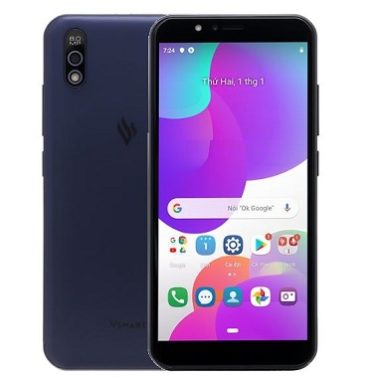
Download Stock Firmware for VSmart Bee 3:
official Stock Firmware Now available for the VSmart Bee 3 & You can Download it from below. VSmart Bee 3 Run on android 9.0 & it is Powered by Mediatek Processor. it is a Dual SIM Smartphone Support Nano GSM SIM Card, Connectivity Option’s Include 3G GPS, Wi Fi, Bluetooth & 4G. Sensor Include Goryo Proximity Gravity etc. the device come with 2GB of RAM and 16GB of Storage that can be expandable via SD card.
Why We Need Stock Firmware?
- to Downgrade a Phone
- to upgrade a Phone
- Fix Some serious issue in phone
- Remove Factory Data Reset Pattern and Pin lock
- fix bootloop and software issue on Phone
- Completely Re-Installation of Board Software
Pre-Requirement’s
- First Make a Complete backup of Your Personal data (if Possible)
- Charge the device at least 50% to prevent accidental shut down during the process
Must Require:
Firmware Information-
Device Name: VSmart Bee 3
Type: Full ROM
Size: up to 1.5GB
SoC: Mediatek
Os: Android 9.0
Password: Null
Gapps: Included
Root access: Not
Firmware Version: VOS 2.5
Downloads:
- VSmart Bee 3 Latest OTA: Download
How to Install Android 10 Firmware on VSmart Bee 3:
-
- Download and Move Downloaded package to device Storage
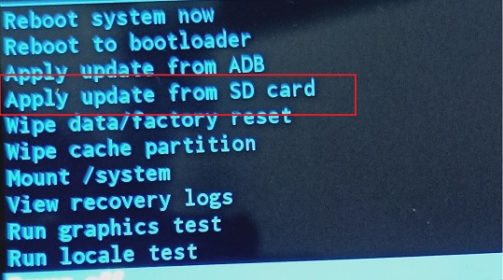
- Go to Stock Recovery
- Wipe cache and then Install update from SD card
- Located Downloaded File, Wait until Success
- Done/
Check other articles-