
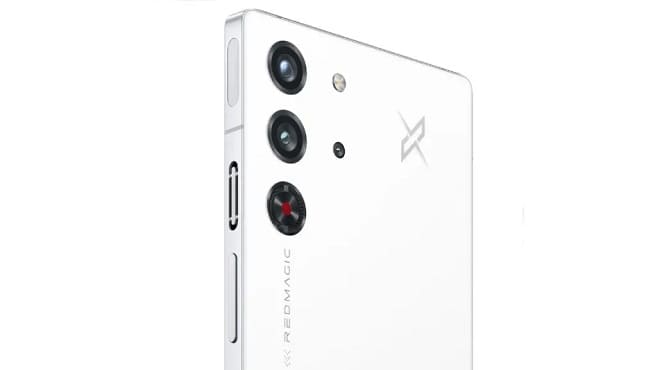
Converting RedMagic 10 Pro NX789J from a regional variant to a global variant can be a complex process that requires some technical expertise. It involves modifying the firmware of your Android device to remove region-specific limitations and enable support for global network bands. you can use the existing global firmware to convert your chines RedMagic 10 Pro NX789Jo Into a global device.
- Contact Me for region change, Covert Global, unbrick, Factory Data Reset & unlock
How to Flash Global ROM on RedMagic 10 Pro Without bootloader unlock
- Download Global rom for your RedMagic 10 Pro NX789J
- move the downloaded file to storage
- go to software update
- select local update
- browse and select the file
- confirm installation
- wait until success..
any issue?, you can flash using adb too
Note: this method not work in case of downgrade..
Related: