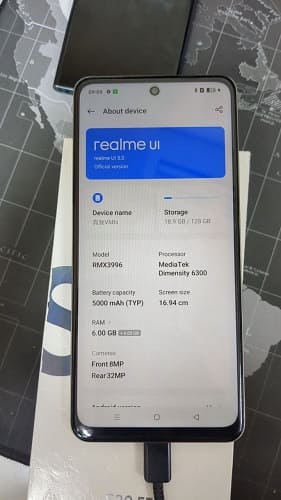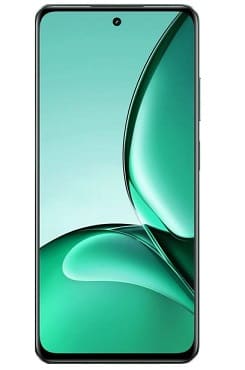
If you own a Realme V60s RMX3996 and want to convert it into global version, then you are in the right place. in this article we will walk you through the process to convert your chines Realme V60s RMX3996 from a regional variant to a global variant.
Requirement’s:
- Suitable global rom for rmx3996
- flash tool (any preloader supported)
- Contact Me to convert your chines rmx3960 into global rom
Disclaimer:
- flash at own risk, we are not responsible for any damage
How to Install Global ROM on Realme V60s RMX3996:
- Download and unzip rom
- Install Mediatek usb driver on your pc
- Download & any open preloader flash tool like amt
- Delect your device model
- Browse and select scatter file from rom
- Click ‘Flash’
- Switch off device, hold volume up + down button at same time and connect usb
- wait until success, once done, the device start itself.