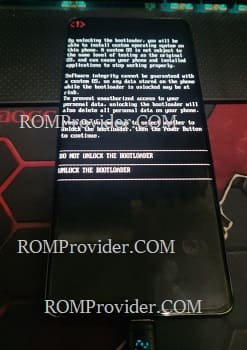
The Android bootloader is a Program that loads the Android operating system kernel into the device’s memory, when the device is turned on. It is the first program that runs when the device is powered on, and it initializes and sets up the hardware components and then loads the operating system kernel.
In addition, the bootloader is often used to unlock the device’s bootloader, which allows users to install custom ROMs, kernels, and other modifications to the device’s firmware. However, unlocking the bootloader often voids the device’s warranty and can potentially compromise its security.
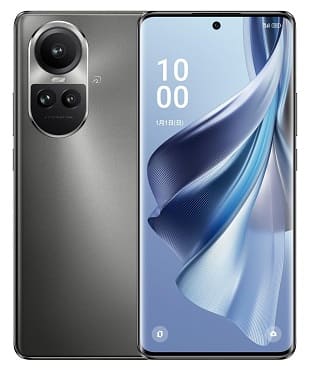
Steps to unlock bootloader on Oppo Reno 10 Pro CPH2525
- on phone enable usb debugging & oem unlock
- open qlm flasher Pro
- Select brand Oppo & Model ‘Oppo-SD778’
- Click ‘unlock bootloader‘
- Now plug device in EDL Mod, (switch off, keep holding volume up down button & insert usb)
- once done, the device start itself
- reboot it to fastboot mod (adb reboot bootloader or keys)
- Go to android/fastboot tab
- Click ‘unlock bootloader Method1‘
- confirm bootloader unlock warning on your device by pressing correct key
- done, you have successfully unlock bootloader on your device

Method 2:
- Contact Me to unlock bootloader on your device >>