

Download Google Camera for OnePlus Nord 2 5G:
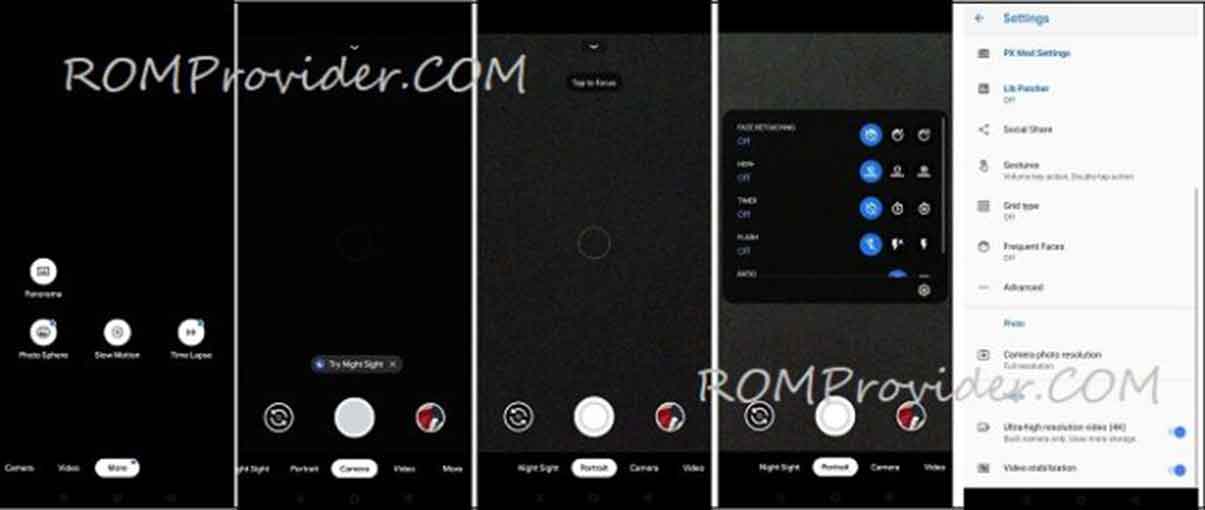
Google Camera 8.2.204 for the OnePlus Nord 2 5G is a Modded stock camera application from Pixel smartphone which has some advance features that are Missing in the stock OnePlus Nord 2 5G camera application such as HDR Plus & Night Sight/ Astrography.
This advance camera app allow You full control over the camera, You can use Advance Lib Patcher for back camera, telephoto lens and Wide angle lens, also it has a HDR+ control Panel to Apply HDR Plus from the selected device or sensor Like from pixel 3, Pixel 2 & Sony IMX586. in the Video section You can Shoot 4K timelapse Video, also You have a option to change the bitrate.
OnePlus Nord 2 5G Run on Android 11 & it is Powered by Mediatek Dimensity 1200 Processor. it is a dual SIM smartphone support Nano GSM SIM cards, connectivity option Include GPS WIFI hotspot 3G & 4G. The device come with 8GB of RAM and 128GB of storage that can be expandable via SD card.
Changelog:
- Initial Gcam 8.2 Release
- All the stock features.
- Used two self modified libs instead of google lib. Should give you good results by default. Sunset lib is even more improved
What’s Working:
- Portrait Mod
- Video 1080P 60FPS
- Video 4K 60 FPS
- HDR Plus
- Nigh Sight
- timelapse video
- all other Basic Features
Know issue:
- slow motion video
Download links:
How to Install Google Camera 8.2.204 Mod on OnePlus Nord 2 5G:
- Download Google camera apk
- enable unknown source Installation from security section
- Install downloaded file as a Normal apk
- one done, open, Import custom settings, restart gcam done
have any issue: enable camera2api by adding below code to build.prop
Persist.vender.camera.HAL3.enable=1
How to Import Custom Settings on Google Camera APP:
- Download & Move config File to storage/gcam/config8 folder
- Open Google camera double click near shooter area from the Popup select config file
- Restart Gcam app. done, you can open it
have any question let me know via comment.