
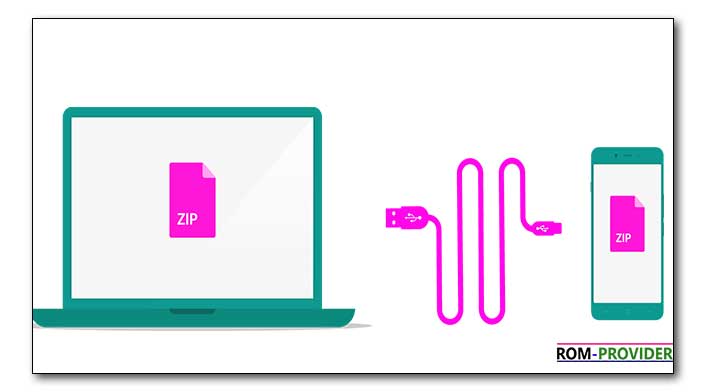
libusb is a C library for USB device which allow data transfer or control between a USB device and a computer (linux, window, mac). in this article you will learn how you can Install LibUSB 32 driver for QCOM 9008 USB Port to perform python based command Operations.
Steps to Install LIBUSB 32 Driver for QCOM 9008 USB Port:
- Download LibUSB 32 Driver Installer
- Install QCOM 9008 USB Driver
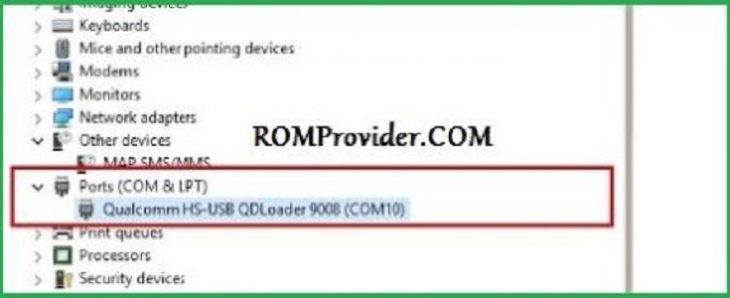
- Connect Phone to computer and perform test point (make sure your computer detect it in 9008 usb port like below image)
- Disable driver Signature Verifications
- Run LibUSB 32 Driver Installer
- from the Installer Select QCOM driver
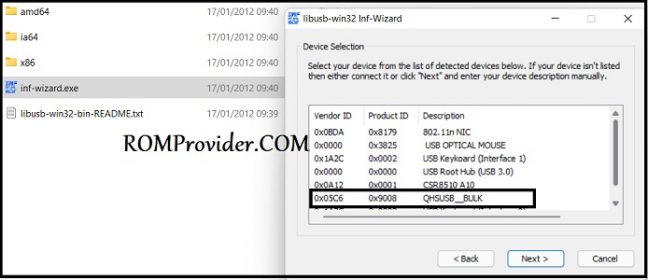
- Click Next, Next Next
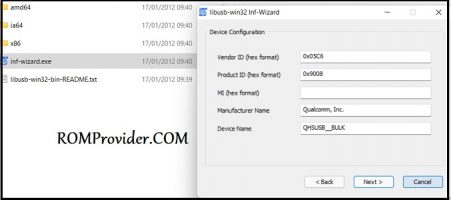
- from the driver Signature error Popup Select “Install this driver software anyway”
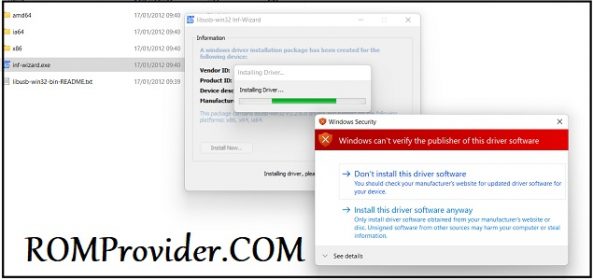
- wait until success, once done you can Send python based scripts.