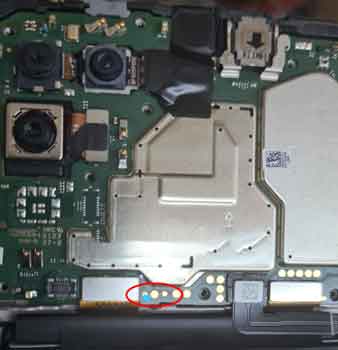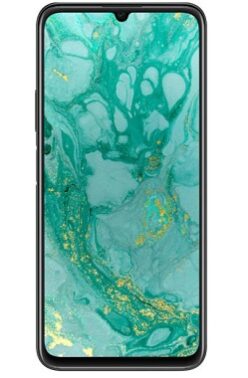
HUAWEI Nova Y60 test Point are the point on it’s board that allow user to force the device to reboot into emergency download mod.
EDL Mod or emergency download Mod is the secondary bootloader on a smartphone where user can Read & write any device Partition without unlocking the bootloader. to enable EDL Mod on Your HUAWEI Nova Y60 You have to do test Point, which you can do by following the below instructions.
Note:
- test point require additional device disassemble knowledge, do at own risk
How to Reboot HUAWEI Nova Y60 to EDL Mod:
- Install usb driver on your computer
- Remove back cover of Phone & find out the Pinout as show In below Image
- Connect Phone to computer by using usb cable
- take a coper wire/ tweezer and short that Pinout
- test Point for HUAWEI Nova Y60.