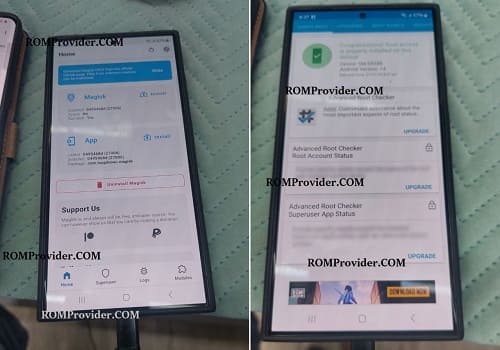
Are you looking for way to root your Samsung Galaxy S24? This guide will walk you through the process. Rooting will open up a wide range of options, from personalising your phone to improving it’s performance. However, it’s essential to proceed with caution, as rooting involves risks and could void your warranty.
What is Rooting?
Rooting is the process of gaining full administrative control over your Android device. It allows you to access system files and make changes that are otherwise restricted by the manufacturer.
Disclaimer:
- root at own risk
- rooting may void device warranty
Requirements:
- Magisk Manager
- Firmware for your device
- Contact Me to unlock bootloader, root, region change, unbrick, Factory Data Reset & unlock >>
How to Root Samsung Galaxy S24 Qualcomm & Exynos Version:
- unlock bootloader of your device
- download latest firmware for your device
- extract init_boot & vbmeta partitions from firmware
- make a new tar compress using extracted files
- move the compress file to phone and patch it using magisk
- move back patched file to pc
- open odin tool, browse and select patched file under AP
- flash the file
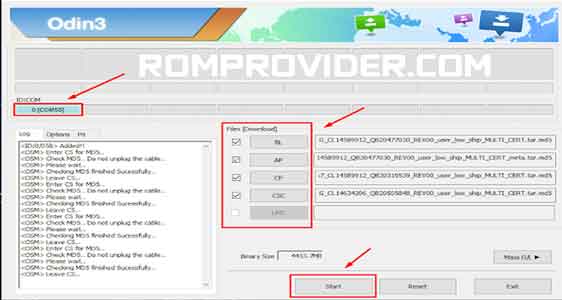
you can flash bl file from firmware to switch the device to slot a