
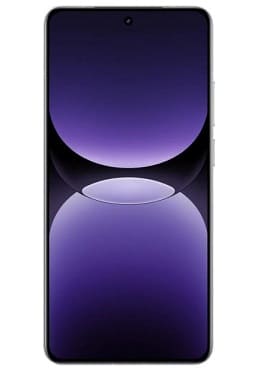
in this blog post we will walk you through the process to fix contactless payment on realme GT7 Pro RMX 5010 through applications like Gpay T-pay, Mir pay, etc.
Steps:
- Enable Google services in the smartphone settings.
- Go to Play Market.
- In the search bar, type Google.
- Click on the name of the application manufacturer (let’s say the application is called Google) and under the application name there will be the name of the developer, in our case “Google LLC”.
- Click on “Google LLC” and select “All applications”.
- And download all Google services (not applications, but services like: private compute services, carrier services, etc.).
- Select the default application for payment (you can through the application itself … It doesn’t matter).
Related: