

Google Camera 7.3.021 Mod For Realme 6i:
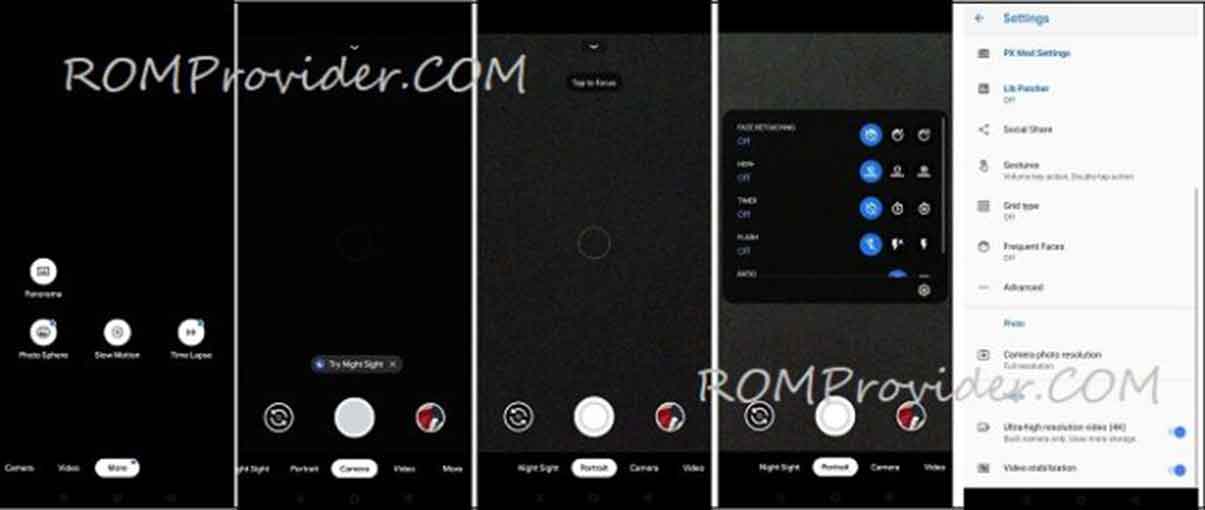
Google Camera 7.3.021 for the Realme 6i is a Modded Stock Camera application from Pixel Smartphone which has some advance Features that are Missing in the Stock camera application Like HDR Plus & Night Sight/ astrography.
This advance camera app allow You full control over the Camera, You can use Advance Lib Patcher for back camera, telephoto lens and Wide angle lens, also it has a HDR+ control Panel to Apply HDR Plus from the selected device or sensor Like from pixel 3, Pixel 2 & Sony IMX586. in the Video Section You can Shoot 4K timelapse Video, also You have a Option to change the bitrate.
Realme 6i Run on android 10 & it is Powered by Mediatek MT6785T Processor. it is a Dual SIM Smartphone Support Nano GSM SIM Cards. the Device Come with 4GB of RAM and 64GB of Storage that Can be Expandable via SD card.
Whats Working:
- Portrait Mod
- Video 1080P 60FPS
- Video 4K
- HDR Plus
- Nigh Sight
- timelapse video
- Slow Motion Video
- all other Basic Features
Downloads:
How to Install Google Camera 7.3.021 mod on Realme 6i:
1. Download Google Camera apk From above
2. Now Enable unknown apps Installation from Security Section
3. then Install Downloaded File as a Normal apk
4. Done
 Note: Camera2api (if any issue Just add below code to build.prop)
Persist.vender.camera.HAL3.enable=1
How to Import Custom Settings on GCam:
- Download & Move Config File to Storage/gcam/Configs Folder
- Open Google camera Double click near Shooter area from the Popup Select Config File
- Restart Gcam Done
have any Question let Me know Via Comment.