
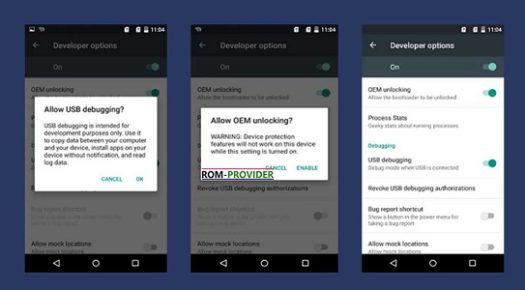
Fix Mission OEM unlock on Samsung Devices:
step by step Guide to Fix Missing OEM unlock button on Samsung phone. people Who want to unlock their Phone but did Not found unlock option in Developers Option can fix it by following the below Instructions.
Steps to Fix Missing OEM Unlock on Samsung Phone:
- Go to Settings/ System/ about phone type 7-8 time build Number GO back
- on the to Click Developers Option, No OEM Unlock available, turn off Developer
- Go back, in system Section turn OFF ‘Send Diagnostic data to Samsung‘ & GO to date & time Settings and Change it from automatic to one Month back..
- Reboot Device
- Go to Settings/System/ about phone and type build Number up to 7 time
- Go back & Click Developers option Now You will See a OEM unlock Option, Enable it