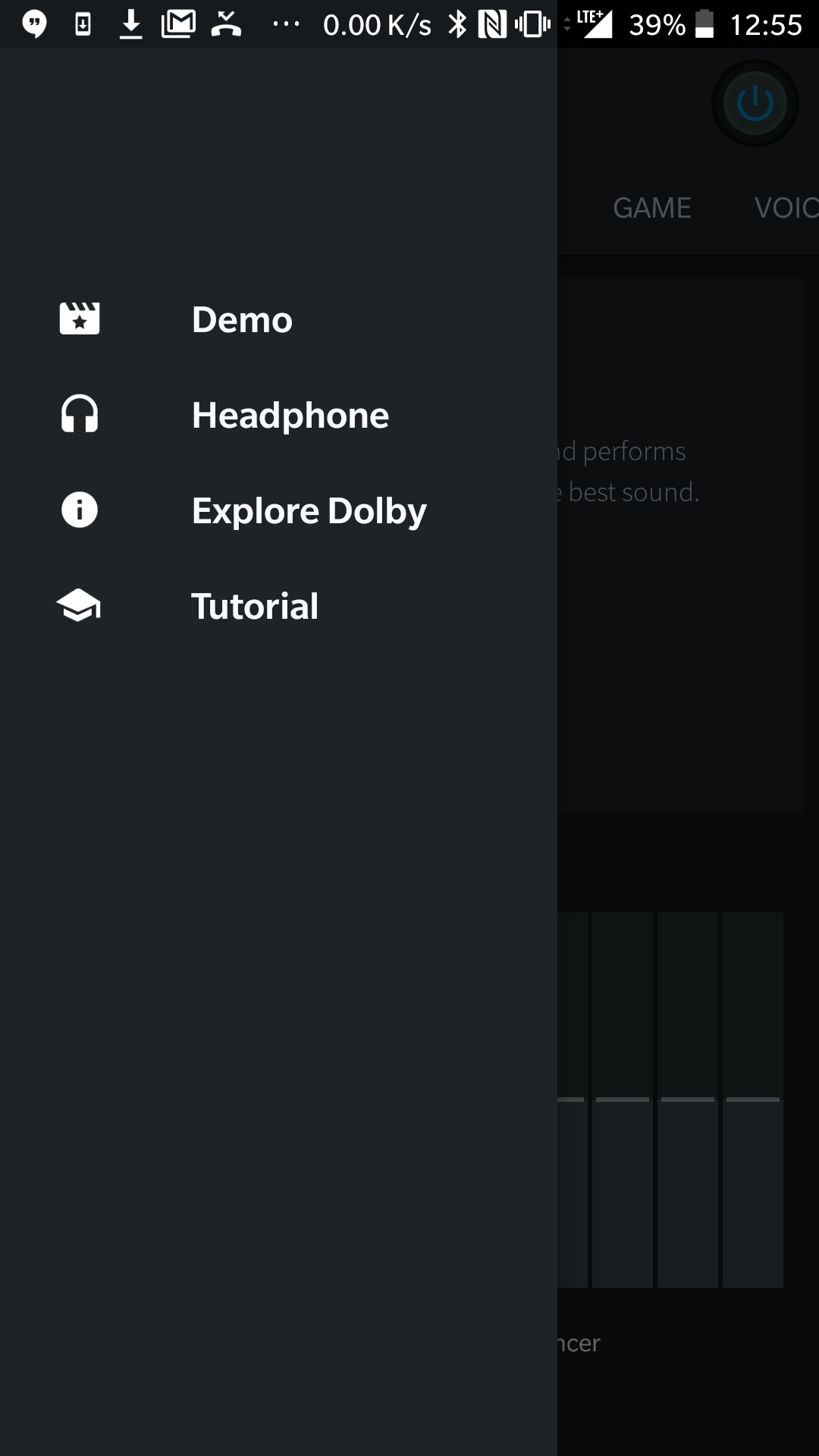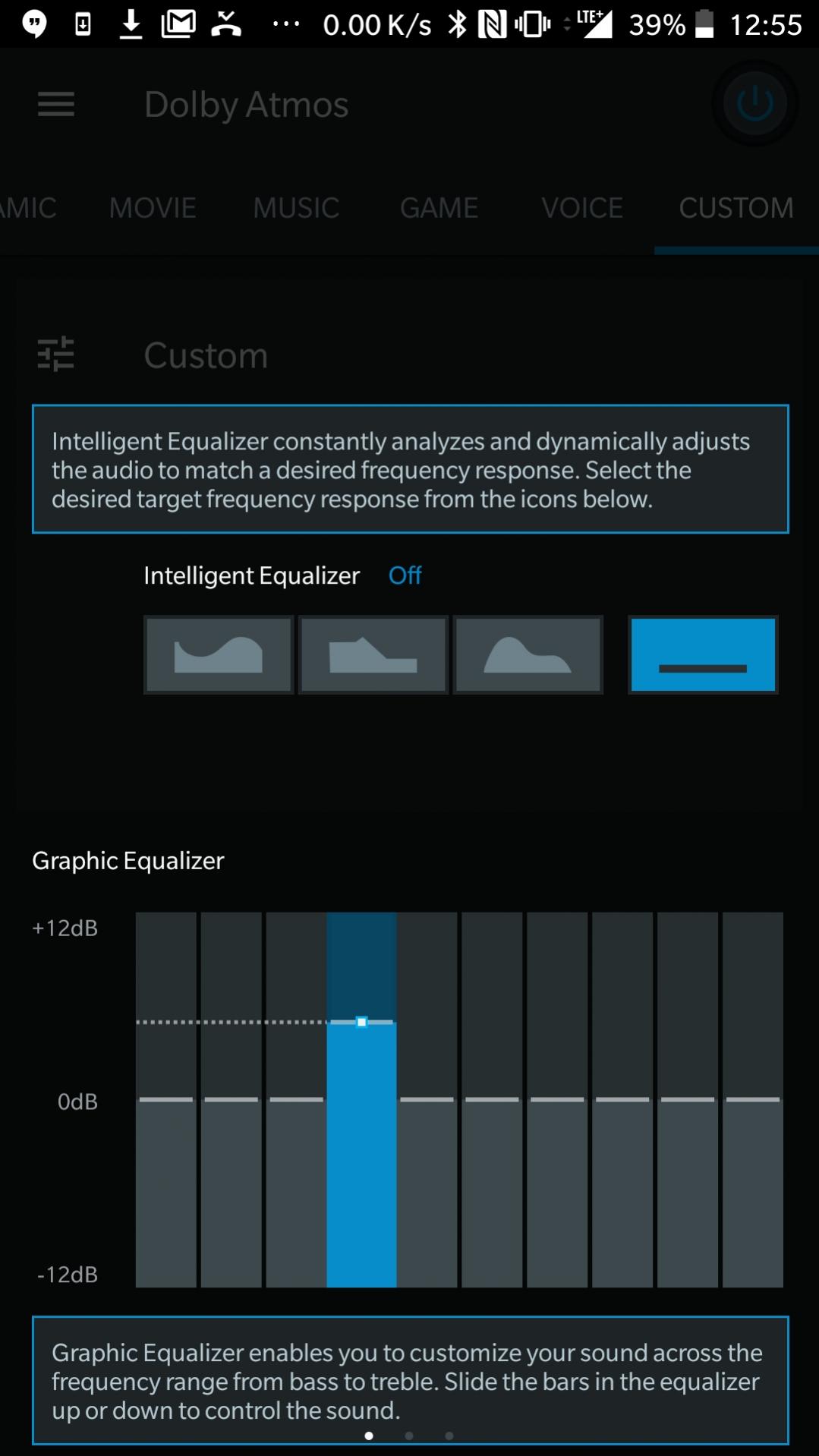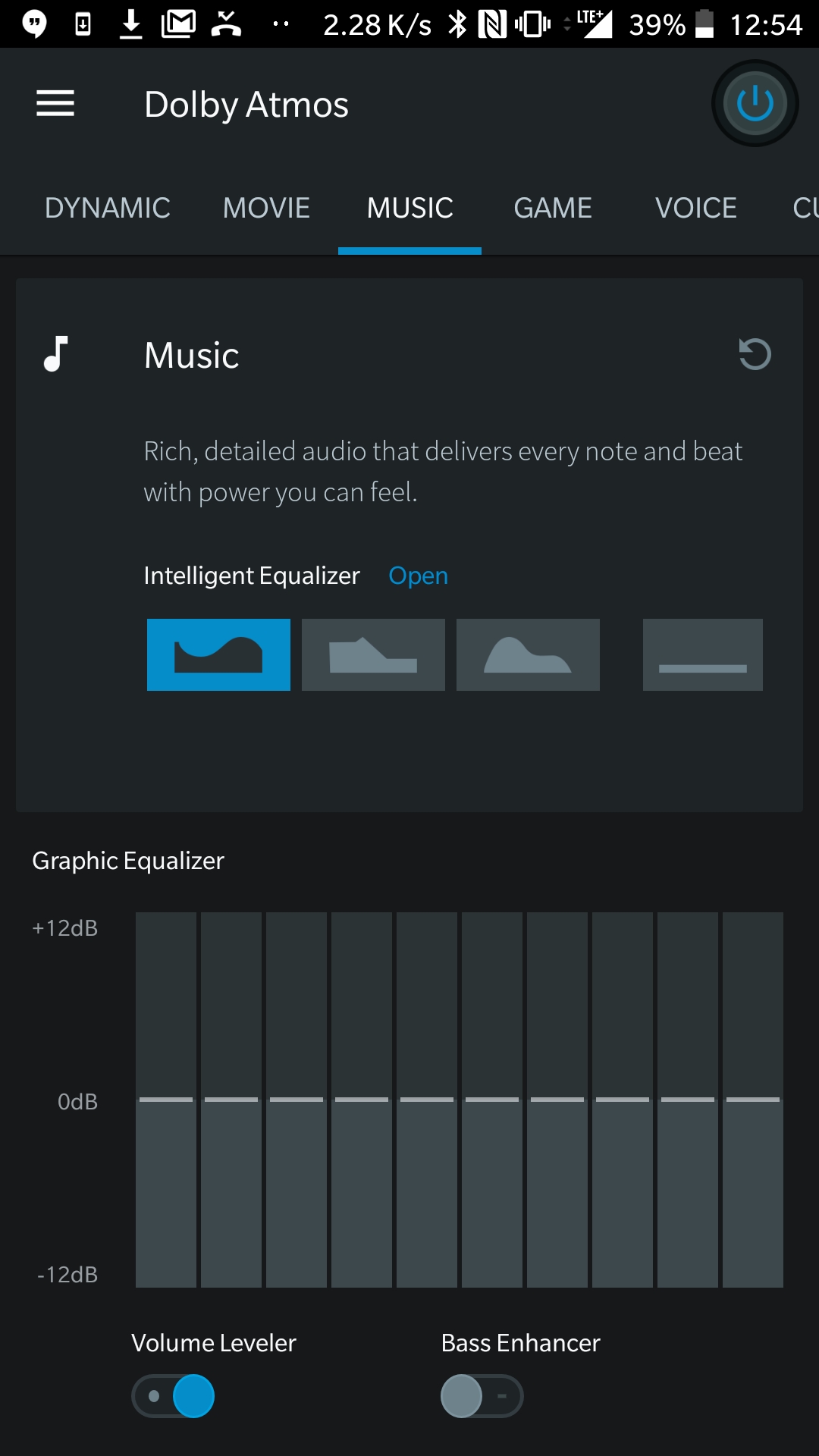
Dolby Atmos™ for Poco C31:
Dolby Atmos™ for the Poco C31 is a software mod which will bring you superb sound experience without effecting the system Performance.
Poco C31 Run on Android 10 & it is Powered by Mediatek MT6765 Processor. it is a dual SIM smartphone support Nano SIM cards. connectivity option Include GPS, WIFI, hotspot, 3G & 4G. The device come with 3GB of RAM and 32GB of Internal storage that can be expandable via SD card.
What is Dolby Atmos™:
Dolby Atmos™ is a Name of surround sound technology announced by Dolby Laboratories. Dolby Atmos creates Powerful, Moving audio by Introducing two important concepts to cinema Sound: audio objects and overhead speakers.
Related:
Download Links:
- Dolby Atmos Mod for Poco C31 with other Require files: Download
Steps to Install Dolby Atmos on Poco C31:
- Make a backup using twrp/flashfire
- Flash PermissiverV4AFx zip first in Magisk
- Flash Audio_Modification_Library-v2.4 zip Module in Magisk and Reboot
- Now flash Audio_compatibility_Patch-v1.7.3(33).zip in Magisk (With config after key check as Vol down, down, down, up, down and up) reboot
- flash dolby([Q-10]Dolby Digital Plus_v.7.2-[MMT Ex]-20200222. zip) In Magisk and
Reboot - Install DsUi.apk and open dolby and check if working
- Flash Viper4androidfx( ViPER4Android_FX-v2.7.1.6(2716).zip) module in magisk and open its app
- when it prompt for driver Installation choose yes and grant root access. It will reboot