
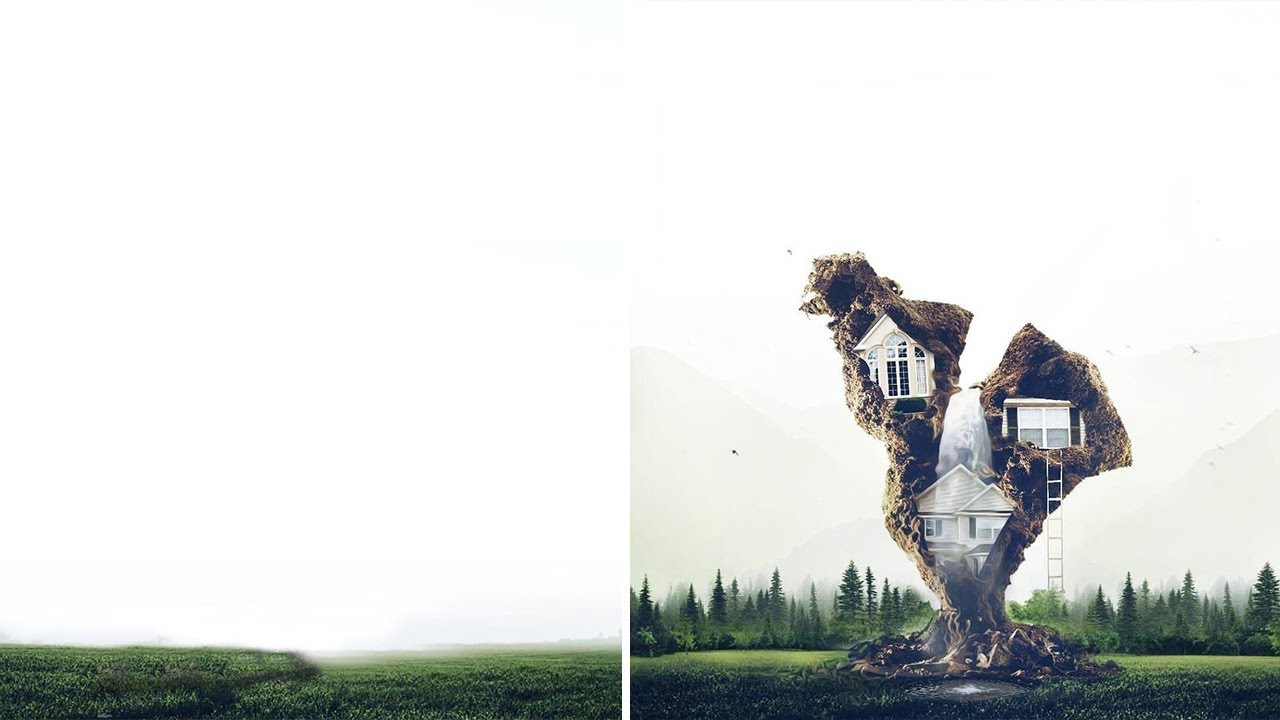
Step inside PicsArt user Victor’s (@victorsvistunov) profile — and equally beautiful imagination — and your mind will be belown. His super cool tree house edit isn’t like any standard tree house you’ve ever seen. With layers upon layers, including a gushing waterfall and serene background, it looks more like a scene from a Tim Burton movie.
Victor utilizes the Clone Tool with almost all of his edits. “With the Clone Tool, your work becomes perfect.” Since his edits can get complicated at times, Victor recommends gathering as many photos on your phone as possible. “With all those files, you can come up with an idea easily,” he says. “Another tip is to look for beautiful backgrounds, which in my opinion, is the first and hardest step.”
Related articles:
1. Understanding Layer on Kinemaster Pro
2. How to Download all item for free on Pics art
3. [Guide] How to Remove Water Mark of Kinemaster Pro
4. [Guide] How to Remove/Change Video Background on Kinemaster Pro