
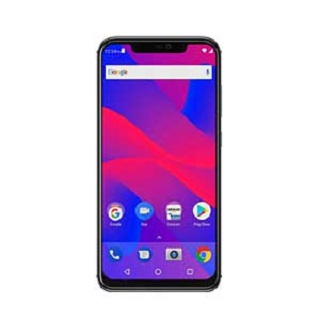
BLU Vivo XL Plus DA File:
BLU Vivo XL Plus DA File [Download agent] Now available for Download, You can Download it From the Download Section of the page. You can use it To Flash the Device and to restore or Reset Factory Data Reset on BLU Vivo XL Plus.
BLU Vivo XL Plus is a Latest Smartphone Which is Run on Android 8.XX OS Powered by a Mediatek MT6771 Processor. It is a Dual SIM Smartphone that accept Dual sim, Connectivity Option include 3G, 4G, WIFI, hotspot and GPS. the Device Come with 6GB of RAM & 128GB of Storage.
Why would I need an MTK Secure Boot DA file?
If you try flashing Infinix devices which have Secure Boot with SP Flash tool then you’ll run into Authentication or Buffer errors . In boxes like CM2, NCK or Miracle, you’ll encounter a Secure Boot! error. To flash such devices, you’ll need a Secure Boot DA file. It’ll also come in handy when trying to restore Factory Reset Protection (Factory Data Reset)
Download DA File for BLU Vivo XL Plus:
- BLU Vivo XL Plus Here
How to use MTK DA File:
With NCK Box:
- Open NCK and Click on Factory Data Reset-PATTERN-PRIVACY-RESET
- click select custom loader
- navigate to your DA file and select the DA you wanted to use.
- Click on [FM] Reset Factory Data Reset / [FM] Means Flash Mode
-
- Open NCK Loader
- Click on settings
- navigate to your DA file and select the DA you wanted to use.
- back to Service Tab
- click Reset Factory Data Reset
With SP Flash tools:
In SP Flash tools You can Select DA file in the Mane Tab of the tool.