
MTK DA File refers to a Mediatek Download Agent file used in MediaTek devices. The DA File helps to connect the device to a computer and allow it to communicate with various tools, such as SP Flash Tool, to perform tasks such as flashing firmware, unlocking the device, or backing up and restoring data.
It’s important to use the Correct DA file for a specific device as using the wrong file can result in a failed operation. You can usually find the Correct DA File for a device by searching online for the specific model and the term “DA file.” or on our DA Repo.
Download Links:
- Redmi K50 File: Download
- Disable SLA authentication by following this Guide
How to use Redmi K50 MTK DA File:
With NCK Box:
- Open NCK and Click on Factory Data Reset-PATTERN-PRIVACY-RESET
- Click select custom loader
- navigate to your DA file and select the DA you wanted to use.
- Click on [FM] Reset Factory Data Reset / [FM] Means Flash Mode
-
- Open NCK Loader
- Click on settings
- Navigate to your DA file and select the DA you wanted to use.
- back to Service Tab
- click Reset Factory Data Reset
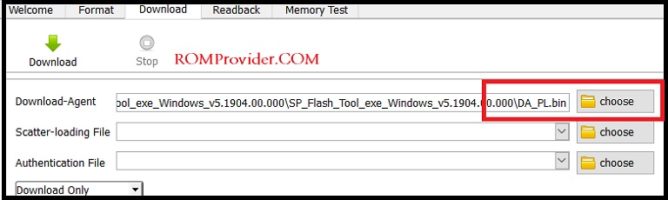
With SP Flash tools:
- In SP Flash tools You can select DA File in the Main tab of the tool.
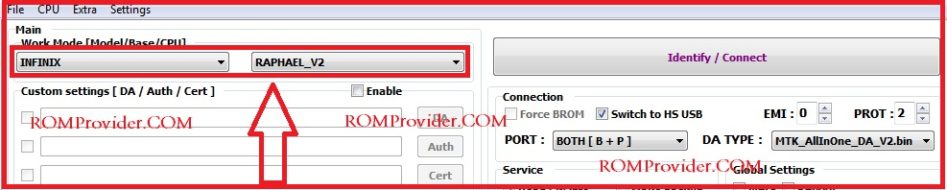
How to use with CM2:
- Download & extracted Da File
- Now Move Downloaded File in CM2/boot files directory, Now You can use it in CM2
Relates: