
How to factory reset Tecno Spark 7T to default settings, wipe all userdata, remove pattern pin password screen lock on Tecno Spark 7T by restoring default settings.
Hard Reset on Tecno Spark 7T is a Process to quickly wipe all userdata from it to make it clean. This Process will remove all user data from your device Including Internal storage, all security / screen lock like Pattern Pin & Password.
Steps:
- Press Power button and select power off
- once the device is turned off hold volume up and power key simultaneously for few seconds
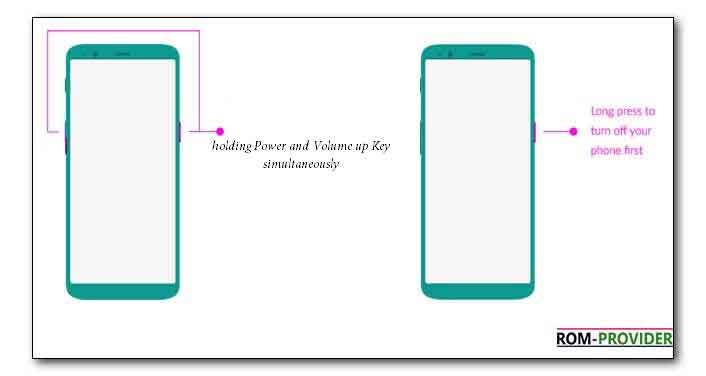
- once you see device logo release key’s
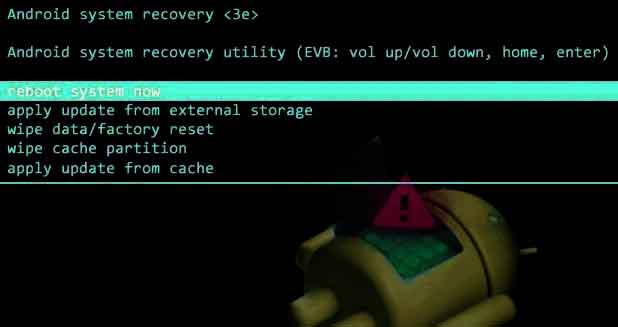
- your phone rebooted into recovery mod
- use volume up and down key for select and Power key for confirm
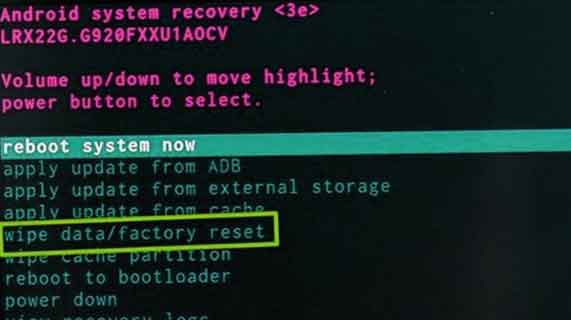
- in the recovery mod Select “Wipe data/factory reset”
- then click factory data Reset, once done click Reboot system Now..
after hard reset your phone will be locked by Factory Data Reset, you have to sign up using the same google account or you can restore Factory Data Reset by following this guide