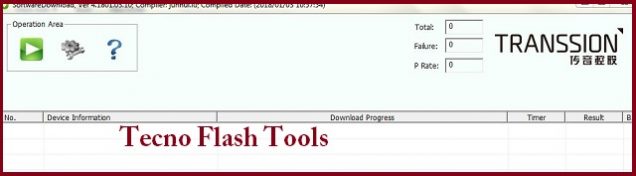
Tecno Flash Tool v4.1901.23.17:
Download Tecno Flash Tool v4.1901.23.17, here we Share Latest Version of Tecno Flash Tool Can be used to Flash tecno Smartphone.
What is Tecno Flash Tool:
Tecno flash tool is a window utility can be use to flash tecno smartphone. the tool is developed by tecno Mobiles for after Sale Service.
Download Links:
- Tecno Flash Tool v4.1901.23.17: Download
How to use Tecno Flash Tool:
- Install Mediatek driver on your computer
- From the Tecno Flash tool folder Run SWD_AfterSales.exe
- click on Grey ‘Settings icon’ on the top-Left corner of the screen.
- In the Popup click load & Select MT6XX_Android_scatter.txt File From Firmware Folder
- Connect Your switched of phone to computer by Pressing volume up & down Key
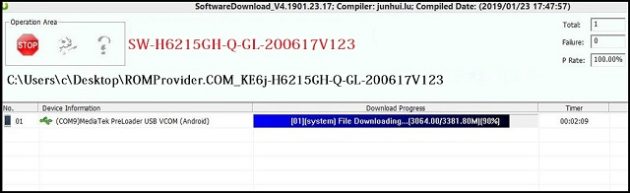
- Click on Green ‘Start Icon’ on the top-left corner of the screen, Now flashing will started with a blue Status bar
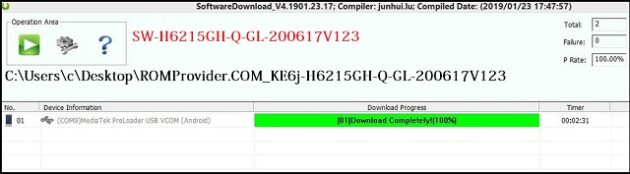
- Once done, flashing bar will turn Green, now disconnect your phone from your computer & switch it on.