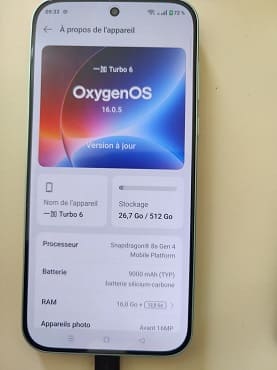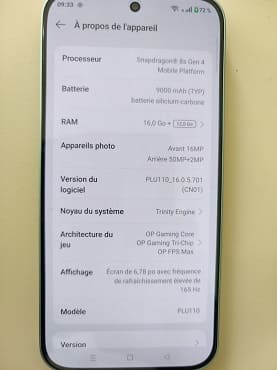
OnePlus Turbo6 PLU110 is a mid range smartphone designed for users who love premium design & performance. Installing Global firmware on the OnePlus Turbo6 PLU110 can enhance usability, but it requires careful steps and attention. First, you have to unlock the bootloader of your device. This step is essential because it allows modifications to the system, keep in mind that it may void your device warranty and erase all data on your phone.
Next, download the correct Global firmware for the OnePlus Turbo 6 PLU110. It’s very important to make sure compatibility to avoid any issues such as boot loops or system errors. After that, install the necessary fastboot USB drivers and tools such as ADB and fastboot on your computer, which will help in communicating with your device. Here are detailed instructions to install global rom on OnePlus Turbo6 PLU110.
Requirement’s
- Unlocked bootloader
- Platform tools
- Global firmware
- Contact Me for professional convert/unlock service.
How To Install Global Firmware On OnePlus Turbo6 PLU110
- Download global rom
- Unzip downloaded file
- Download & flash platform tools
- Flash firmware
fastboot flash system system.img
fastboot flash system_ext system_ext.img
fastboot flash product product.img
fastboot flash my_bigball my_bigball.img
fastboot flash my_carrier my_carrier.img
fastboot flash my_engineering my_engineering.img
fastboot flash my_region my_region.img
fastboot flash my_stock my_stock.img
fastboot flash my_heytap my_heytap.img
fastboot flash my_product my_product.img
fastboot --disable-verity --disable-verification flash vbmeta vbmeta.img
fastboot --disable-verity --disable-verification flash vbmeta_system vbmeta_system.img
fastboot --disable-verity --disable-verification flash vbmeta_vendor vbmeta_vendor.img
fastboot reboot
Note:
- Flash at own risk.
- update not work
- If the bootloader is restricted or restricted, try third party tools that support your device variant
Converted by me..