
OnePlus Ace 6T PLR110 Firmware Flash File Stock ROM
Download OnePlus Ace 6T official firmware, Stock ROMs, and recovery files for free
The OnePlus Ace 6T places an emphasis on raw speed, employing the responsive Snapdragon 8 Gen 5 processor alongside 16 GB of operational RAM configurations. Its 6.83-inch screen interface keeps layout transitions smooth during daily use. If your operating system hangs or freezes on the startup animations, download our official OnePlus Ace 6T stock flash file to restore factory parameters and fix FRP, bootloops, and other software bugs.
Version: PLR110_16.0.5.702(CN01)
- Updated: May 29, 2026 11:21:10
- Region: cn
- Size: 7840.39 MB
- MD5 Hash: d51484f274245087d9eecfbbe5af7c77
- Type: OTA
Version: PLR110domestic_11_16.0.2.403CN01_2025123114480173
- Updated: May 27, 2026 11:16:29
- Type: Stock
Installation Guide for OnePlus Ace 6T Stock Firmware
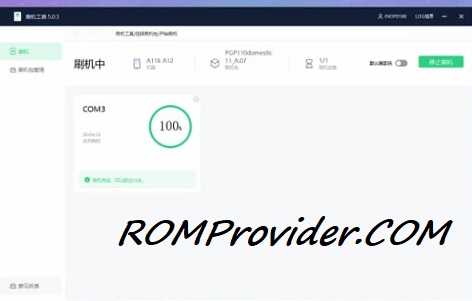
Most of new devices are protected and can be flash only with official edl auth..- Download and extract the firmware ZIP file to your computer.
- Install Oplus USB drivers on your PC.
- Download and extract the Oplus Download Tool.
- Launch the tool and log in with a service account (if required).
- Click Import and select the extracted firmware folder.
- Click the START button in the tool.
- Power off the phone, then press and hold both Volume Up + Down buttons.
- While holding the buttons, connect your device to the PC via USB.
- Wait for the tool to detect and flash your phone automatically.
Bootloader Unlocked Devices:
- Flash using fastboot enhance tool
- Flash using any tool that support your device
⚠️ Disclaimer & Safety Guidelines
- Proceed at your own risk – Wrong flashing may brick your device.
- Always make a full backup before process.
- Make sure your device is charged.
Note: All resources on this page are sourced from public domains and community efforts. For removal requests or issues, contact us directly.