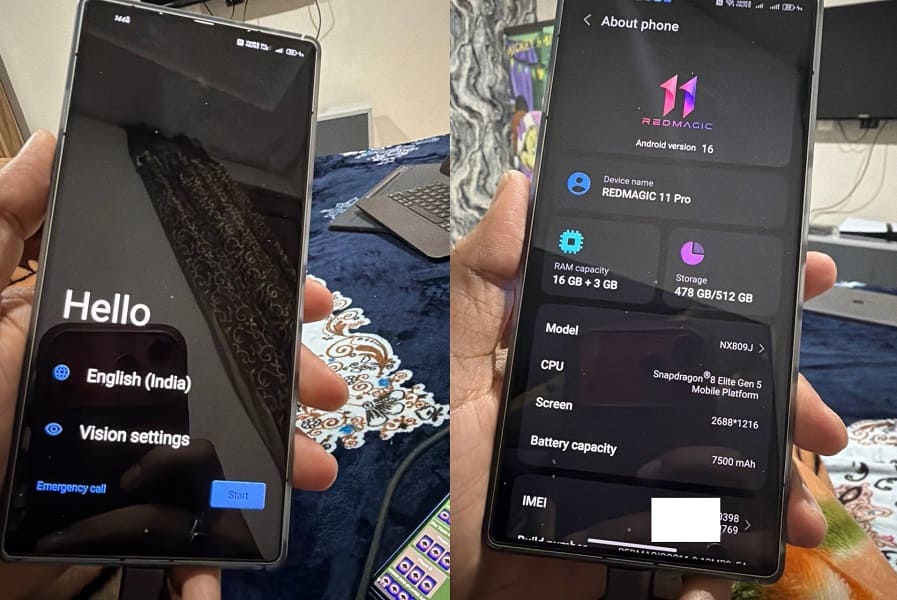
If you own a RedMagic 11/Pro NX809J and want to install the Global ROM, this guide will help you out. Many users buy the Chinese version of this tablet, only to realize that the software is limited to certain regions and lacks features available on the global release.
By installing the Global ROM, you can turn your Chinese RedMagic 11/Pro NX809J into a device that feels just like the official global variant. This process removes region-based restrictions, adds support for more languages, and ensures better compatibility with apps and services outside of China.
Keep in mind, converting your device from the Chinese edition to the global version is a technical task. It involves flashing the correct firmware files and making sure every step is followed carefully. With the proper Global firmware package, you can successfully transform your RedMagic 11/Pro NX809J into a fully functional Global model.
Requirement’s
- Unlocked bootloader
- Platform tools
- Global ROM from nubia support
- Contact Me for professional convert/unlock service.
How to Flash Global ROM on RedMagic 11/Pro NX809J
- Download Global rom payload bin for your RedMagic 11/Pro NX809J
- Connect the device in adb mod & reboot it to fastbootd mod
adb reboot fastboot
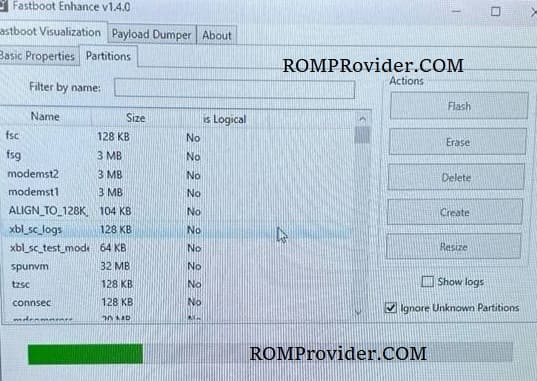
- Open fastboot enhance tool
- Click Flash Payload
- Browse and select the downloaded payload file
- Wait until the success
- Once done, click reboot