
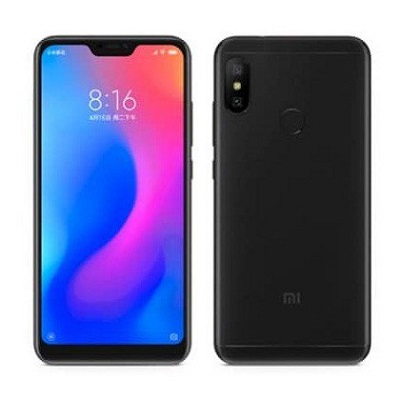
Factory Reset Protection (FRP) & Mi account lock is a security feature on Redmi Note 6 Pro which is automatically activated when you set up a Google™ & MI Account on Your device. Once it is activated, it prevents use of a device after a factory data reset, until you log in using the same Mi & Google account.
Note:
- it will erase all user data from your device so we highly recommend You to make a backup before Process.
- ensure that your device at-least 50% charge to prevent accidentally shut down.
Download Links:
- QD Loader Driver Here
- Miracle box 2.82 Free: Download
- FRP/Mi account Remove File: Download
- No Auth Firehose for RN6 Pro: Download
Steps to bypass Mi account on Redmi Note 6 Pro:
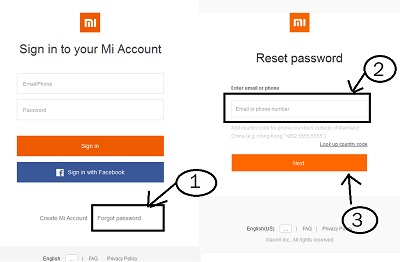
- Go Here Click forgot, under Login details.
- Insert your Registered SIM on another phone.
- on the forgot Page type Registered Number.
- then click forgot.
- wait until you receive forgot Link.
- when receive click on link open it in browser type New Password click change and then Go back to locked Phone and login with New Password.
- done.
Method 2 (100% working):
- replace firehose in account remove file
- Flash account remove file via EDL (Mi Flash , QPST or any QCOM supported box)
Related articles-