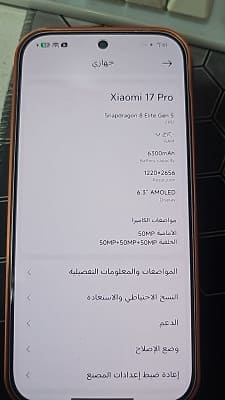
Xiaomi smartphones are well-known for their cutting-edge technology and remarkable features. However, due to language limitations and the lack of Google services, the default Chinese firmware may cause some difficulties for users outside of China. To solve these challenges, many Xiaomi fans prefer to flash a Global firmware on their handsets. In this post, we’ll look at how to flash a Global firmware on the Xiaomi 17 Pro.
Why Install a Global / EU firmware?
Xiaomi’s Global firmware offers customers a familiar UI in their native language as well as access to vital Google services like the Play Store, Gmail, and Google Maps. This improves the user experience while also ensuring compatibility with a wide range of third-party applications. Installing a Global firmware is an excellent choice for consumers who want the best of both worlds: Xiaomi’s amazing hardware combined with a globally optimised system experience.
Requirement’s:
- Unlocked bootloader
- Global ROM Pandora
- Contact Me for professional convert/unlock service.
How to Install Global ROM on Xiaomi 17 Pro:
- Download Global ROM from above links
- Unzip downloaded file
- Connect device to computer in fastboot mod
- Run flashall.bat from rom folder
- Wait until success, once done, format data & reboot
Success: