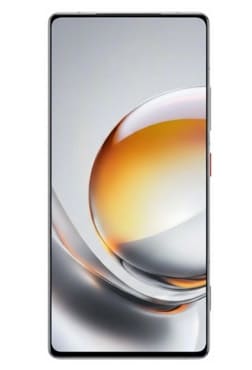
Nubia Z80 Ultra is a high end smartphone designed for users who love powerful performance with premium design. Installing Global firmware on the Nubia Z80 Ultra can enhance usability, but it requires careful steps and attention. First, you have to unlock the bootloader of your device. This step is essential because it allows modifications to the system software, keep in mind that it may void your warranty and erase all data on your phone.
Next, download the correct Global firmware for the Nubia Z80 Ultra. It’s very important to make sure compatibility to avoid any issues such as boot loops or system errors. After that, install the necessary fastboot USB drivers and tools such as ADB and fastboot on your computer, which will help in communicating with your device. Here are detailed instructions to install global rom on nubia z80 ultra.
Requirement’s
- Platform tools
- Unlocked bootloader
- Global Stock firmware for NX741
- Contact Me for professional convert/unlock service.
Disclaimer:
- Flash at own risk.
- Userdata will be wiped.
- Wrong installation may brick your device.
How To Flash Global Firmware On Nubia Z80 Ultra NX741J
- Download Global rom payload bin for your Nubia Z80 Ultra
- Connect the device in adb mod & restart it to fastbootd mod, You can do it by sending below cmd with platform tools
adb reboot fastboot
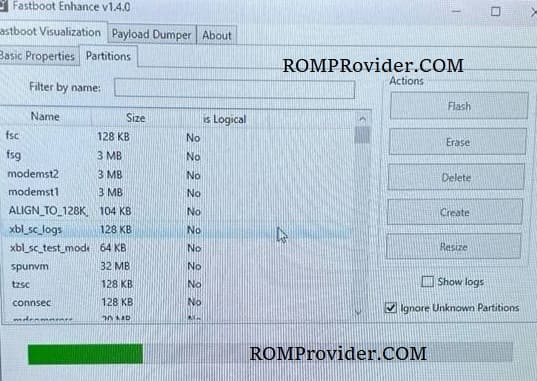
- Open fastboot enhance tool
- Click Flash payload.bin
- Browse and choose the downloaded payload.bin
- Wait until the success
- Once done, format data & restart