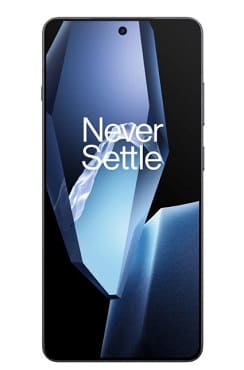
In this blog post, you will find a step-by-step guide to unbricking the OnePlus 13R using both original and unofficial methods. The first method is the original approach, which requires access to a proper service center or valid Oplus Tool login credentials (ID and passcode). The second method follows a similar approach but can be used with the help of third-party authentication tools.
Third-party tools such as GA Login Pro or Mr Auth Tool allow you to access the Oplus Tool without having your own login credentials. These tools use their own IDs along with a server-based OTP system, which charges a fee for each login.
Follow the instructions below to repair your device using the authentication method.
Requirements:
Contact Me for auth flash, repair arb devices
Instructions:
If your device running android 15 and lower version then use op flash utility from above link,
- Install qualcomm driver on your pc
- Download OnePlus 13R Firmware
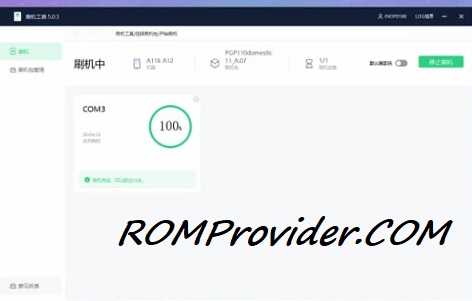
- Download & Open OP Flash Tool
- Import Firmware, Click ‘ Flash’ & Plug device in EDL Mod
- Wait until success, once done your device will boot successfully.
If your device run android 16 with ARB Patches then follow below Method:
Best Option: QLM Auto
Second Option: MR Auth, GA Login
- Open Oplus Tool with any auth utility
- Import firmware
- Check ‘use default nv’
- Click Flash
- Connect device in edl mod
- Wait until success, once done your device will boot successfully.