
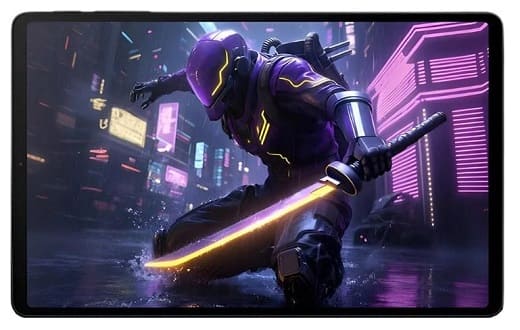
If you’ve been looking into unlocking the bootloader on a Black Shark tablet from Xiaomi, you may have already realized that the standard Android unlocking steps don’t really apply here. This isn’t like unlocking a typical device where you just enable OEM unlock and run a tool. Black Shark hardware follows a different approach, and understanding that early can save you a lot of wasted time testing random guides that simply won’t work..
First — About the “Black Shark Tablet”
As of now, Black Shark under Xiaomi hasn’t officially released a gaming tablet with a standard public unlock method. Any device branded this way typically follows the same security model used on Black Shark phones. That means bootloader unlocking is not handled like regular Xiaomi tablets.
Why Standard Unlock Methods Don’t Work
On most Xiaomi devices, you can use the Mi Unlock tool after getting account authorization. However, Black Shark devices use a restricted server-side authorization system.
This means:
- Fastboot unlock commands are blocked
- No public unlock permission request page
- Mi Unlock tool will not detect authorization
- OEM unlock toggle alone does nothing
Risk:
⚠️ Full data wipe is required
⚠️ Warranty may be void
⚠️ OTA updates may fail
⚠️ Widevine/security level can drop
⚠️ Risk of soft brick if done incorrectly
Is There a DIY Method?
Right now, there is no public DIY method to unlock a Black Shark bootloader, whether phone or tablet form factor.
How the Unlock Process Works in Reality
Instead of being handled locally on the device, the unlock permission is controlled remotely. In simple terms, the device needs to be recognized and approved before anything can happen. The process generally involves checking the device identity, verifying it through the authorization system, and activating the unlock support.
Contact us to unlock the bootloader on your Xiaomi Black Shark Gaming Tablet on a fee.
Steps:
- contact us for service, we will handle everything via remote service