

If you own a OnePlus 13 and want to install the Global firmware, this guide will help you out. Many users buy the Chinese version of this tablet, only to realize that the system is limited to certain regions and lacks features available on the global release.
By installing the Global firmware, you can turn your Chinese OnePlus 13 PJZ110 into a device that feels just like the, However After the Android 16 (5xxx) update, OnePlus 13 PJZ110 now comes with ARB (Anti-Rollback Protection) enabled at system level.
In simple terms, once you install any 5xxx build, the device records that version. Going back to an older/rollback/downgrade firmware is no longer safe. If you try flashing a lower build after updating, the phone can hard brick and end up stuck in Qualcomm 9008 (EDL) mode. In many cases, recovery is not possible without authorized service tools. So before doing anything, double-check your current build number. If you are already on a 5xxx version, do not attempt to downgrade.
The guide shared below is meant only for Android 16 (500xx series). It is not for older builds or mixed firmware situations. Make sure you understand the risk. Proceed only if you are fully aware of the consequences.
Requirement’s
- Unlocked bootloader
- Platform tools
- Global firmware (must 500xx)
- Contact Me for professional convert/unlock service.
How To Flash Global Firmware On OnePlus 13 PJZ110
- Download Global rom payload bin for your OnePlus 13 PJZ110
- Connect the device in adb mod & restart it to fastbootd mod, You can do it by sending below cmd with platform tools
adb reboot fastboot
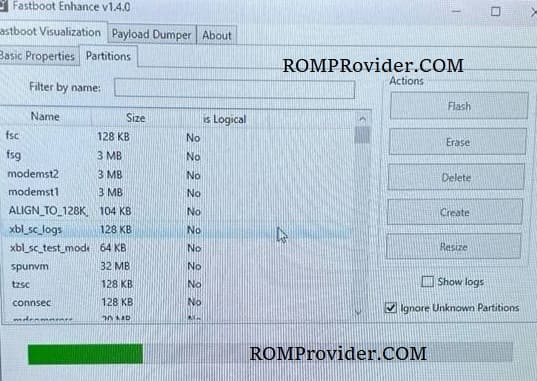
- Open fastboot enhance tool
- Click Flash payload.bin
- Browse and choose the downloaded payload file
- Wait until the success
- Once done, format data & restart
Note:
- If any network error after convert reflash install china static_nvbk & odm from similar China firmware